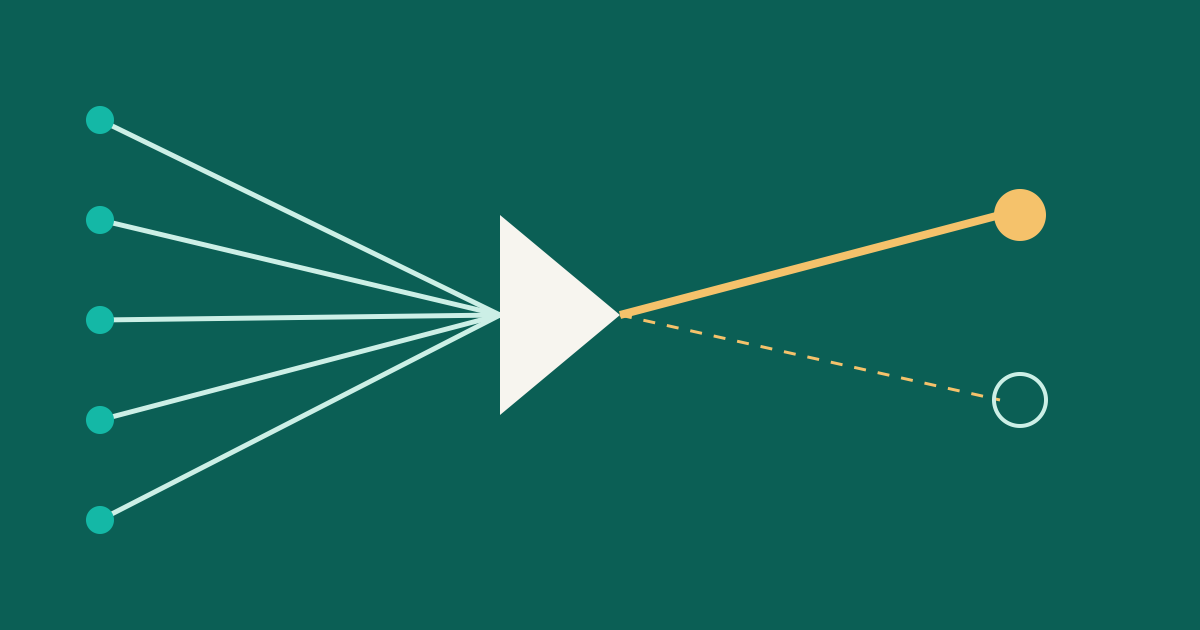
Docker multi-stage builds: smaller images by leaving the build tools behind
How multi-stage Dockerfiles keep compilers out of your final image: named stages, copying artifacts, build targets and a Go example.
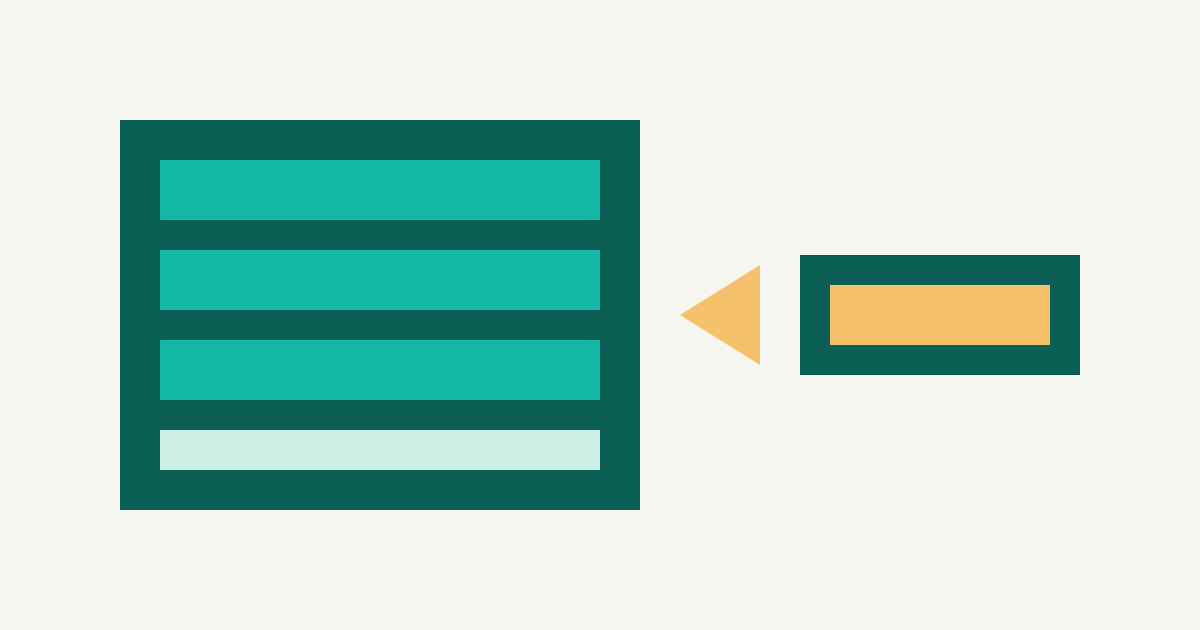
A compiler is useful on your laptop but a burden in production. Yet many images include the full toolchain, package manager caches, and source tree - just because the same Dockerfile builds and runs the app.
Multi-stage builds solve this by building in one image and running in another, copying only what's needed.
The idea in one Dockerfile
A Dockerfile can contain several FROM lines. As the Docker documentation puts it, each one "begins a new stage of the build", and each stage can use a different base image. Files from an earlier stage can be copied into a later one. Everything else from that earlier stage is left behind.
Here is a small Go service:
FROM golang:1.26 AS build
WORKDIR /src
COPY go.mod go.sum ./
RUN go mod download
COPY . .
RUN CGO_ENABLED=0 go build -o /out/server ./cmd/server

FROM gcr.io/distroless/static-debian12
COPY --from=build /out/server /server
USER 65532:65532
ENTRYPOINT ["/server"]
The first stage has the Go toolchain, the module cache and the source. The second starts from a minimal base and receives a single file. The image you push is the last stage, so it contains the binary and little else.
The docs' own example uses scratch, an empty image, in the final stage. That works for a fully static binary, but remember that an empty image has no CA certificates or time zone data. If your program makes HTTPS calls, copy the certificates in, or pick a minimal base that already includes them.
Name your stages
You can refer to a stage by number, as in COPY --from=0, but that breaks quietly when someone adds a stage above it. Give stages names with AS and refer to them by name. It costs nothing and makes the file easier to follow.
Order matters for caching
Docker caches each instruction and reuses it while its inputs have not changed. In the example, go.mod and go.sum are copied before the rest of the source, so go mod download only runs again when dependencies change. Editing a source file then rebuilds only from COPY . . onward.
This pattern works for any language:
- Copy the dependency manifests.
- Install dependencies.
- Copy the source.
- Build.
Tip
Add a
.dockerignorefile listing.git, local build output and anything with secrets. It keeps the build context small and stopsCOPY . .from pulling in files you never meant to ship.
Build only up to a stage
The --target flag stops the build at a named stage. That is useful for debugging a build step, or for having one Dockerfile that produces several images:
FROM golang:1.26 AS build
# ... compile ...

FROM build AS test
RUN go test ./...

FROM gcr.io/distroless/static-debian12 AS runtime
COPY --from=build /out/server /server
ENTRYPOINT ["/server"]
docker build --target test -t myapp:test .
docker build --target runtime -t myapp:latest .
Note how test starts FROM build. The docs describe this as extending a previous stage: shared setup runs once and each branch adds its own steps.
What BuildKit does for you
The docs make a point worth knowing. The older builder processes every stage up to the target, including ones the target does not depend on. BuildKit, the current default builder, builds only the stages the target actually needs. In the example above, building runtime does not run the test stage at all.
That means you can keep extra stages in the file, for tests, linting or debugging, without slowing down the image that goes to production. If you need tests to gate the release, run the test target as a separate step in your pipeline.
Copying from other images
COPY --from is not limited to your own stages. It can take files from any image, local or in a registry:
COPY --from=nginx:latest /etc/nginx/nginx.conf /nginx.conf
This is a handy way to borrow a single binary or config file without installing a whole package. Pin a version tag, or better a digest, rather than latest in real builds, so the result does not change underneath you.
A picture of the flow
flowchart LR
  S[Source and dependencies] --> B[build stage: compiler, caches]
  B -- COPY --from=build --> R[runtime stage: minimal base]
  B -. left behind .-> X[toolchain, source, caches]
  R --> I[Image you push]
Why smaller is better
A smaller image pulls faster when a node starts, takes less registry space, and has fewer packages that can carry known vulnerabilities. It is general good practice, not a guarantee of security: a minimal image still needs a non-root user, pinned bases and regular rebuilds to pick up fixes.
If you run these images on Kubernetes, pair this with sensible resource settings; requests and limits are the next place surprises hide, and probes decide how the platform reacts when something goes wrong.
A short checklist
- One stage to build, one to run; name both.
- Copy dependency files first, source later.
- Copy only the artifacts you need into the final stage.
- Use
--targetfor test and debug stages. - Pin base image versions.
- Run as a non-root user.
- Keep a
.dockerignore.
A Node.js variant
The same shape works for languages with a build step and a smaller runtime:
FROM node:22 AS deps
WORKDIR /app
COPY package*.json ./
RUN npm ci

FROM deps AS build
COPY . .
RUN npm run build

FROM node:22-slim AS runtime
WORKDIR /app
ENV NODE_ENV=production
COPY package*.json ./
RUN npm ci --omit=dev
COPY --from=build /app/dist ./dist
USER node
CMD ["node", "dist/index.js"]
Dev dependencies and build output stay in the earlier stages; the runtime stage installs only production packages.