Feature flags: ship code dark, turn it on gradually, and clean up afterwards
How feature flags separate deploying from releasing, the kinds of flag worth having, a vendor-neutral way to evaluate them, and how to avoid flag debt.
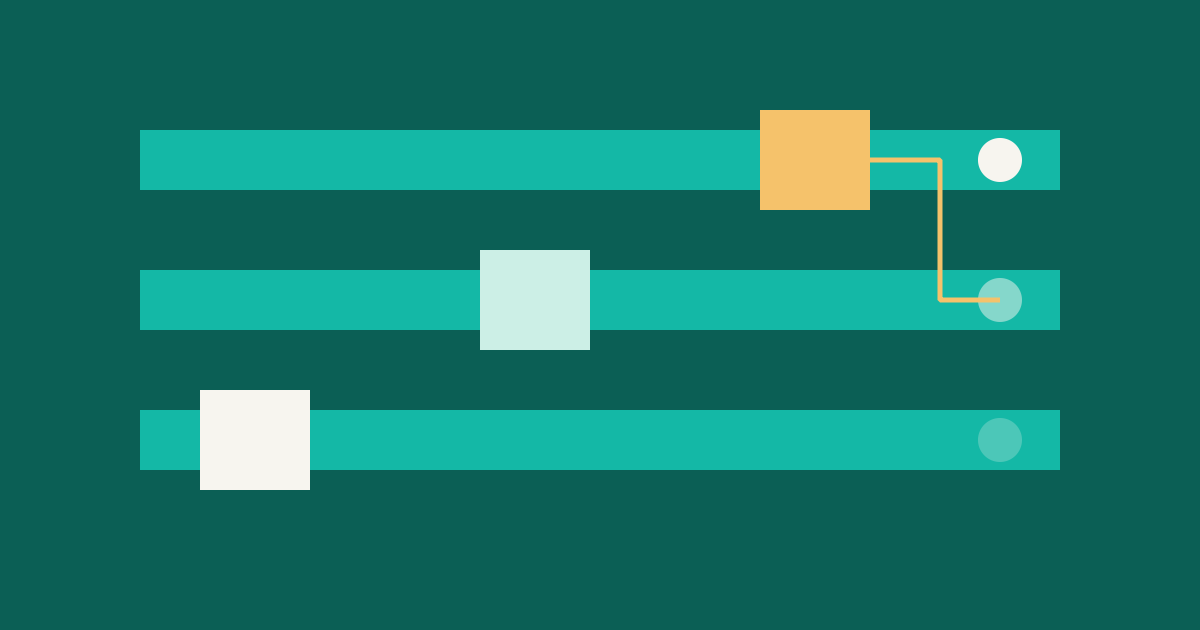
Many teams quietly assume that deploying a change and releasing it to users happen at the same time. Feature flags break that link. You deploy the code whenever it's ready, with the new behaviour off, and turn it on later by changing a setting. If something looks wrong, you flip the setting back - no need to roll back a build.
That's a big gain in calm. But it can also create clutter if you're not careful. Here is how to get the first without the second.
What a flag is
At its simplest, a flag is an if whose answer comes from configuration rather than from code:
if flags.Enabled(ctx, "new-checkout", user) {
    return newCheckout(ctx, cart)
}
return oldCheckout(ctx, cart)
The interesting part is the second argument: who's asking. A flag can give different answers to different people, which makes gradual rollouts possible.
What flags are good for
The OpenFeature project's introduction lists use cases that cover most real needs:
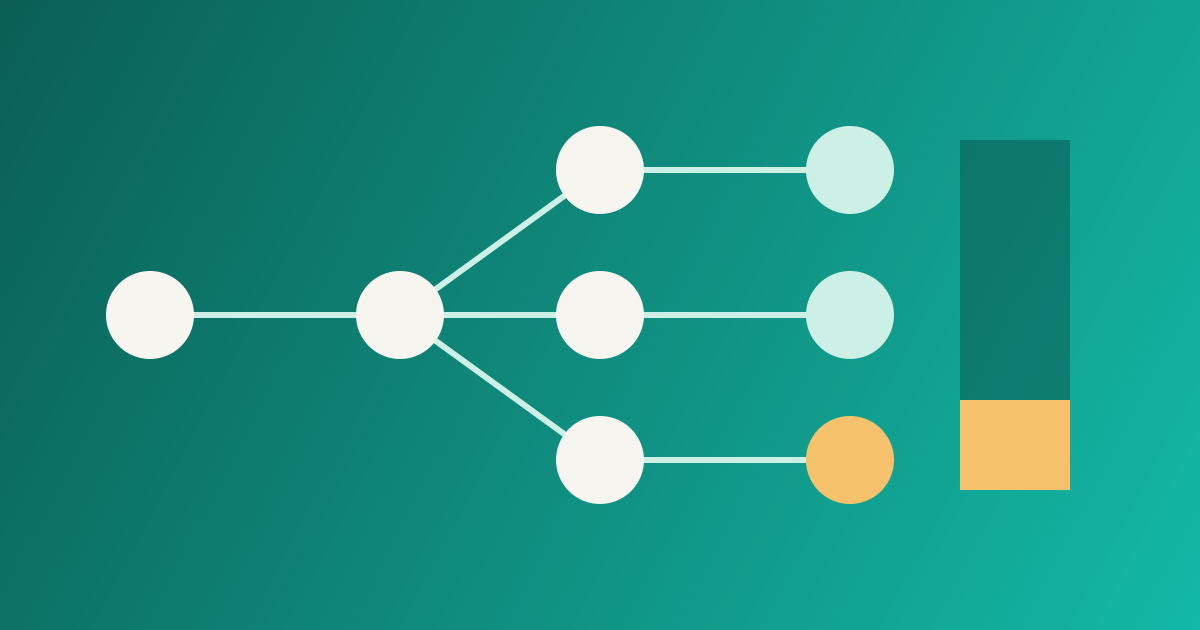
- Canary releases: show the new behaviour to a small group first.
- A/B testing: compare two behaviours on live traffic.
- Hiding unfinished work: merge to the main branch early, keep the feature dark.
- Degrading gracefully: switch off a costly part of the system during an outage.
- Targeting: enable something only in a region or for a set of customers.
Not all flags are alike, and mixing their purposes is where trouble starts. A useful split is by lifetime:
| Kind | Purpose | Expected life |
|---|---|---|
| Release flag | Ship dark, ramp up | Days to weeks, then remove |
| Experiment flag | Compare variants | Until the decision is made |
| Operational flag | Kill switch for a heavy feature | Long-lived, on purpose |
| Entitlement flag | Which customers get what | Long-lived, part of the product |
Write the kind down when you create the flag. It tells the next person whether the flag should disappear.
A gradual rollout
Rolling out to a percentage of users sounds simple, but one detail matters: the same person should get the same answer each time. If a user flips between the old and new checkout on every request, you will confuse them and your data.
The usual approach is to hash a stable identifier together with the flag name and map the result to a bucket from 0 to 99. A user is in the rollout if their bucket is below the current percentage.
func inRollout(flag, userID string, percent int) bool {
    h := fnv.New32a()
    h.Write([]byte(flag + ":" + userID))
    return int(h.Sum32()%100) < percent
}
Including the flag name in the hash means different flags choose different users, so the same unlucky people are not always first in line. Raising the percentage from 5 to 25 keeps the original 5 percent in the group.
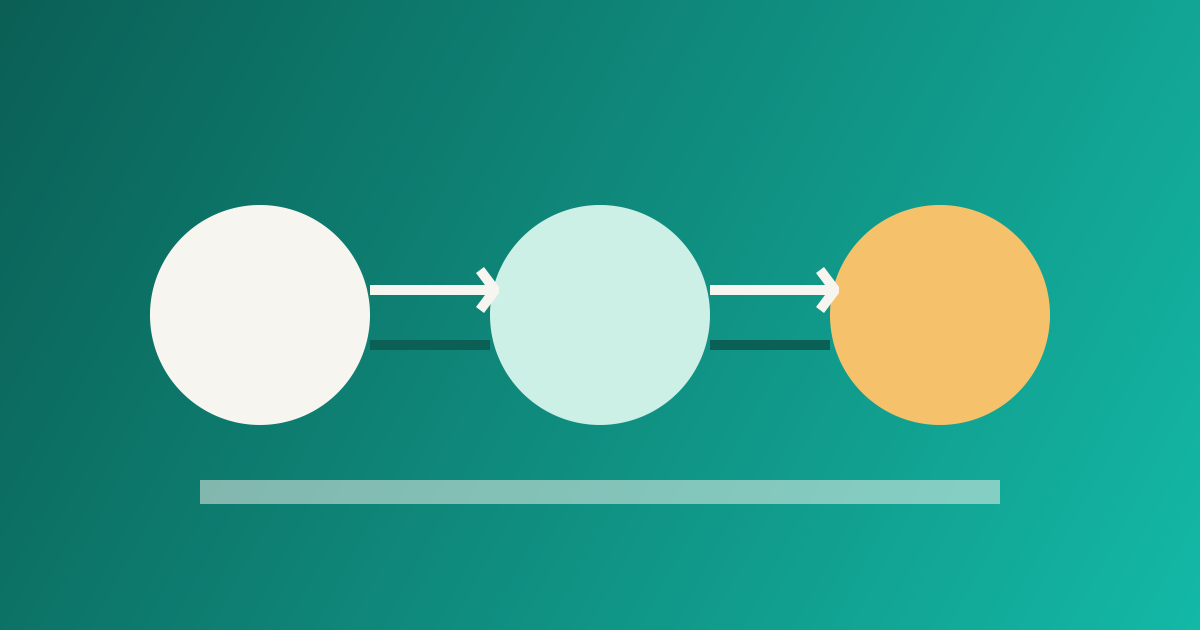
A sensible ramp is to turn it on for your own team, then a small slice, and then increase in steps while you watch error rates and latency for the flagged group. Which brings us to a rule: a rollout without monitoring is only a delay. Make sure you can compare the flagged and unflagged traffic, for example by adding the flag value as an attribute on your traces and logs.
Keep your code independent of the vendor
Whether you build flags yourself or use a service, avoid scattering one vendor's SDK across your code. OpenFeature is an open specification with a vendor-neutral API for this. Its main ideas:
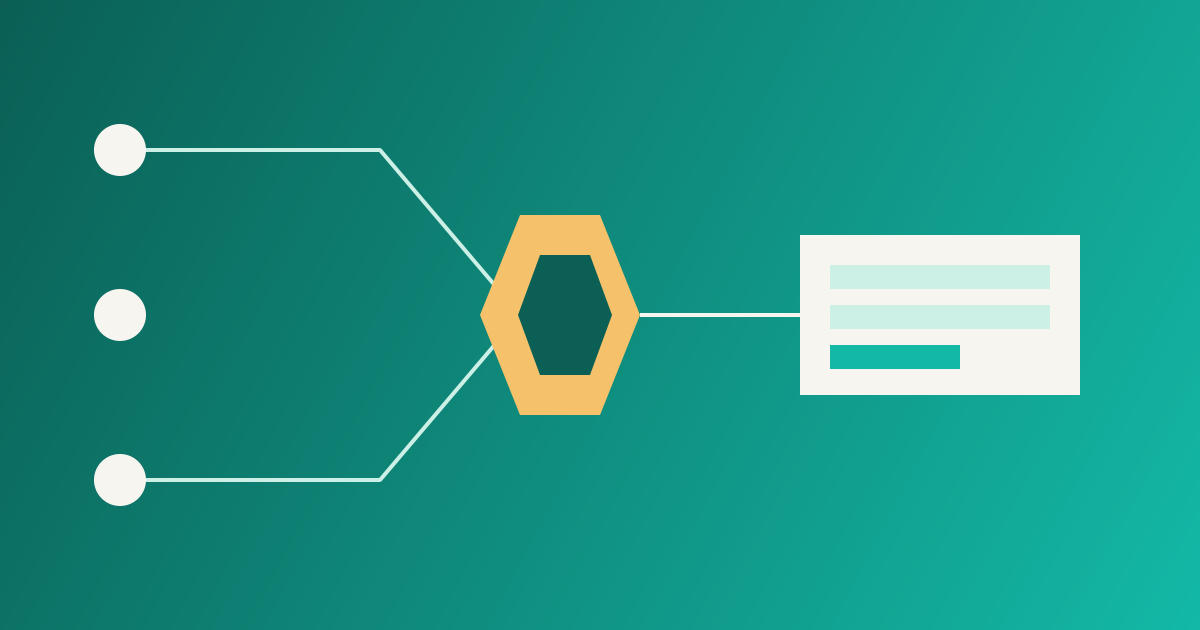
- A provider is the translation layer between the standard API and a particular flag system. It could wrap a vendor SDK, call a REST API or read a local file.
- The evaluation context is the data used to decide: who the user is, which region, and so on. Static values can be set globally and merged with per-request values.
- Hooks add behaviour at points in an evaluation, such as logging or telemetry.
The benefit is that changing the flag backend later means changing a provider, not every call site. Even if you never adopt the specification, copy the shape: one small interface in your own code, one place that talks to the flag system.
Failure modes to plan for
- The flag service is down. Decide the default for every flag when it cannot be evaluated, and make it the safe choice. Cache the last known values locally so a flag outage does not become your outage.
- Flag combinations. With ten independent flags, there are more combinations than you will ever test. Keep release flags few and short, and avoid flags that depend on other flags.
- Flags and data changes. If a flag changes how data is written, turning it off may not undo the data. Treat schema changes separately, with a careful sequence of steps; Schema changes without downtime covers that side.
- Who may flip it. A production flag is a production change. Record who changed it, when and why, in the same place you keep other audit data.
Warning
A flag that nobody owns becomes permanent. Dead branches pile up, and a year later nobody knows which side is the real behaviour.
Clean up as part of the job
Removing a flag is the step teams skip, because the feature works and something else is waiting. Build the removal into the work from the start:
- When you create a release flag, create the cleanup task at the same time, with an owner.
- Give the flag an expiry date in its name or description.
- Once the rollout reaches 100 percent and has been stable for a while, delete the flag, the old code path and any tests that only covered it.
- List flags older than a set age during a regular review, and ask of each one: is this still meant to exist?
Removing a flag after a successful rollout is also a good moment to write down what you learned. If the rollout went wrong, a short blameless review is worth more than the flag ever was; see Blameless postmortems.
Summary
- Deploy and release are different steps; flags let you separate them.
- Name the kind and the owner of every flag.
- Use a stable hash for percentage rollouts, and watch the flagged group.
- Put the flag system behind your own small interface.
- Decide safe defaults for when evaluation fails.
- Delete release flags when they have done their job.