Postgres partitioning: when to split a big table and what it asks of you
Range, list and hash partitioning in Postgres: when it pays off, how pruning works, the primary key rule, and how to drop old data in seconds.

Some tables just keep growing: events, logs, orders, measurements. A year in, the table is huge, indexes are big, and deleting old rows is a long job that leaves a mess for vacuum to clean up. Partitioning is Postgres's built-in way to handle that kind of problem. It's not a general speed-up, though, and it comes with rules. This article covers what it does, when it is worth it, and what to watch for.
What partitioning is
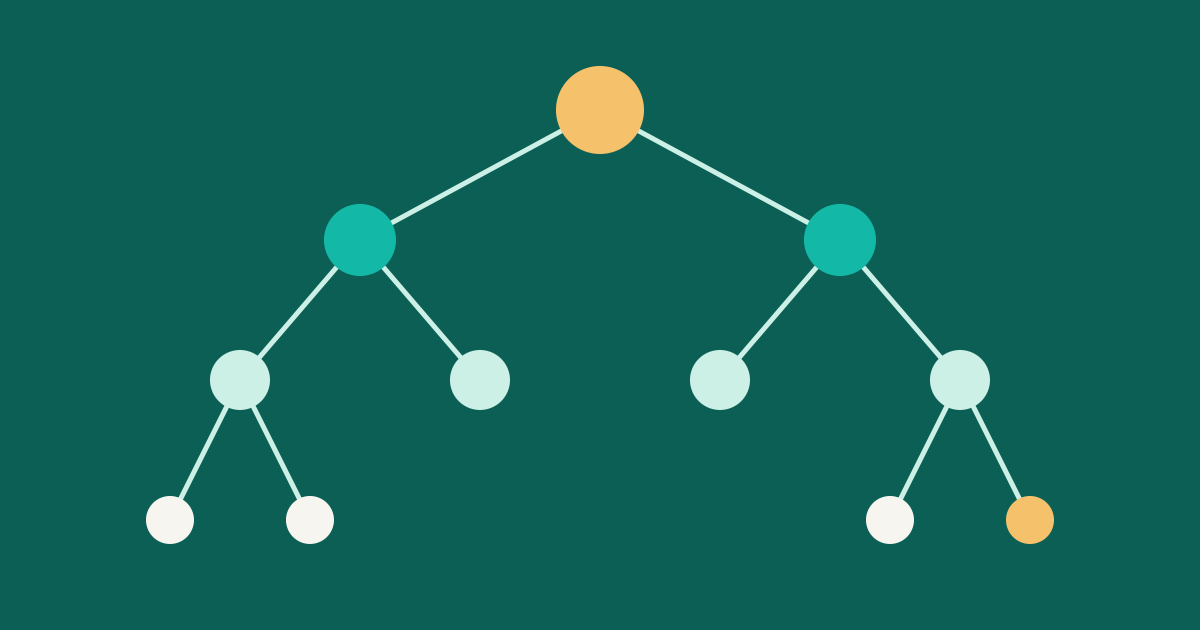
A partitioned table is a logical table with no storage of its own. Behind it sit several ordinary tables, the partitions. When you insert a row, Postgres routes it to the right partition. When you query, you still write SELECT ... FROM orders and the planner works out which partitions matter.
There are three declarative methods, as described in the PostgreSQL documentation:
- Range: each partition holds a span of the key, such as one month of dates. The lower bound is included and the upper bound is not.
- List: each partition holds listed values, such as one region per partition.
- Hash: you pick a modulus and each partition takes one remainder, which spreads rows evenly without a natural range.
A range example for time-based data:
CREATE TABLE orders (
    id bigint NOT NULL,
    created_at timestamptz NOT NULL,
    customer bigint NOT NULL,
    total bigint NOT NULL,
    PRIMARY KEY (id, created_at)
) PARTITION BY RANGE (created_at);

CREATE TABLE orders_2026_11 PARTITION OF orders
    FOR VALUES FROM ('2026-11-01') TO ('2026-12-01');

CREATE INDEX ON orders (customer);
The index on the parent automatically appears on every existing partition, and on any new ones added later.
When it is worth it
Partitioning adds moving parts, so start with whether you need it. The documentation gives a rule of thumb: it helps mainly when a table would otherwise be larger than the server's memory. Three situations stand out.
- Most queries touch recent data. If nearly every query asks about the last few weeks, only a few partitions are hot, and their indexes are more likely to stay in memory.
- You remove data by age. Dropping or detaching a partition is far quicker than a big
DELETE, and it avoids the vacuum work a bulk delete leaves behind. - Old data can live on cheaper storage. Partitions can sit in different tablespaces.
If your table has just a few million rows and a good index handles your queries, partitioning mostly adds complexity. See How database indexes speed up reads first; the cheapest fix is often a better index.
Partition pruning
The reason queries get faster is pruning. With enable_partition_pruning on, which is the default, the planner compares your WHERE clause with each partition's bounds and skips the ones that cannot match. Pruning uses bounds, not indexes, and can even happen at runtime, like with prepared statement parameters.
EXPLAIN
SELECT sum(total)
FROM orders
WHERE created_at >= '2026-11-01' AND created_at < '2026-11-08';
In the plan you should see only orders_2026_11 scanned. If you see every partition, your filter probably does not use the partition key directly, for example because it wraps the column in a function. Reading plans is a skill of its own; Reading EXPLAIN ANALYZE walks through it.
Tip
Choose the partition key from the column your queries filter on most, and also from how you plan to delete data. If both point to a timestamp, that is an easy decision.
The rules it adds
Partitioning is not free. These are the constraints that surprise people:
- Unique keys must include the partition key. A primary key or unique constraint has to contain every partition key column. Each partition enforces uniqueness only inside itself, so this is how Postgres guarantees there are no duplicates across partitions. In the example above, the key is
(id, created_at). If other tables referenceorders.idthrough a foreign key, plan for this early. - Rows need a home. Inserting a row that fits no partition is an error. Someone, or something, has to create next month's partition before the month starts.
- Attached tables must match. A table you attach as a partition must have exactly the parent's columns.
- More is not better. Each session loads metadata for the partitions it touches. Too many partitions raise planning time and memory use. The documentation says the planner can handle a few thousand partitions when pruning keeps most out of each query, but warns not to assume more is always better.
Retiring old data
This is where partitioning earns its keep. To archive a month and then remove it:
ALTER TABLE orders DETACH PARTITION orders_2026_01 CONCURRENTLY;
-- dump or archive orders_2026_01 as a normal table, then:
DROP TABLE orders_2026_01;
A plain DETACH PARTITION takes a strong lock on the parent. The CONCURRENTLY form needs a weaker one, with some restrictions, so it is the gentler choice on a busy system. Check the documentation for those restrictions before you rely on it.
Attaching works the other way. You can build and load a table on the side, add a CHECK constraint that matches the partition bounds, and then attach it. The constraint lets Postgres skip a full scan while it holds the lock, and you can drop the constraint afterwards. This pairs well with the lock habits in Schema changes without downtime.
A routine that keeps it boring
A partitioned table needs a small amount of upkeep. A scheduled job, once a day or once a week, can:
- Create the next two or three partitions ahead of time.
- Detach and archive partitions older than your retention period.
- Alert if the newest partition is closer than a few days from the end of its range.
That third check matters. The classic failure isn't a slow query - it's an insert error at midnight on the first of the month because no one created the next partition.
Before you start
- Is the table large enough, or growing fast enough, to justify it?
- Does your main query filter use the partition key?
- Can your primary key and foreign keys live with the key rule?
- Do you have a job that creates and retires partitions?
- Did you test it with a realistic copy of your data? Re-partitioning a large table later is slow, so it is worth a rehearsal first.
Partitioning shines for data with a clear life cycle. For everything else, an index and a good query often do the job with far fewer rules.